

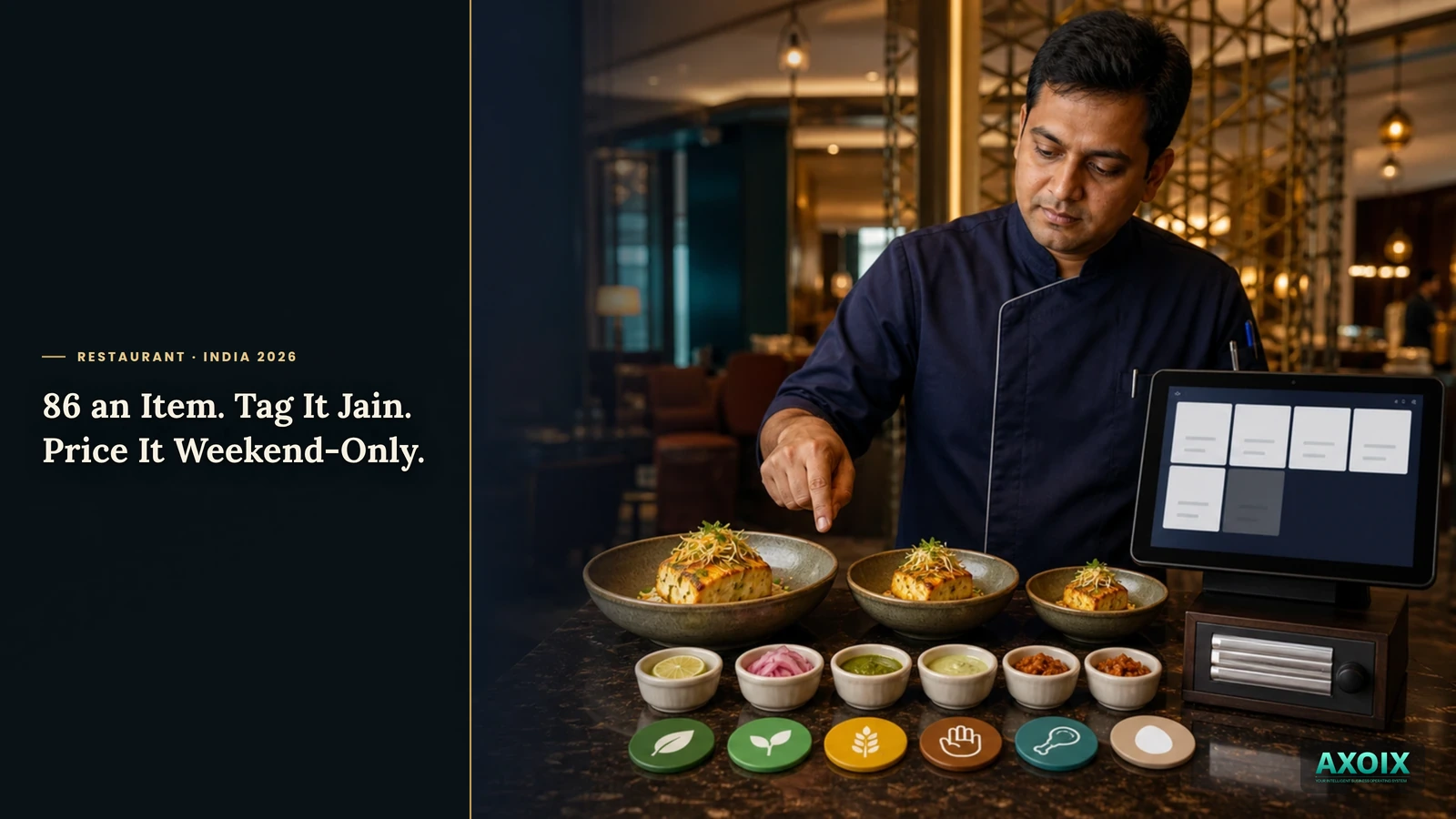
A restaurant menu looks like a simple list of dishes and prices. Run one for a week and it's obviously not: a dish comes in three sizes, a topping costs extra, the paneer runs out at 8pm, and half your guests need to know if something's Jain before they'll order it. Here's what a menu system needs to actually hold all of that.
Quick answer (for the impatient)
- A dish isn't one price — sizes, add-ons, and dietary flags all live on the same item.
- Marking something sold out is one tap, and it's reflected everywhere the menu is shown.
- Categories can be time-windowed — a breakfast menu that only shows before 11am, a weekend special that only appears Saturday and Sunday.
A menu is not a price list
The paper-menu mental model — one dish, one price — breaks down the moment you actually run service. A biryani comes in half and full portions. A burger has three optional add-ons. A dish that's simple to describe verbally ("the usual, but no onions") needs to be something the system can actually represent, not just something a server remembers.
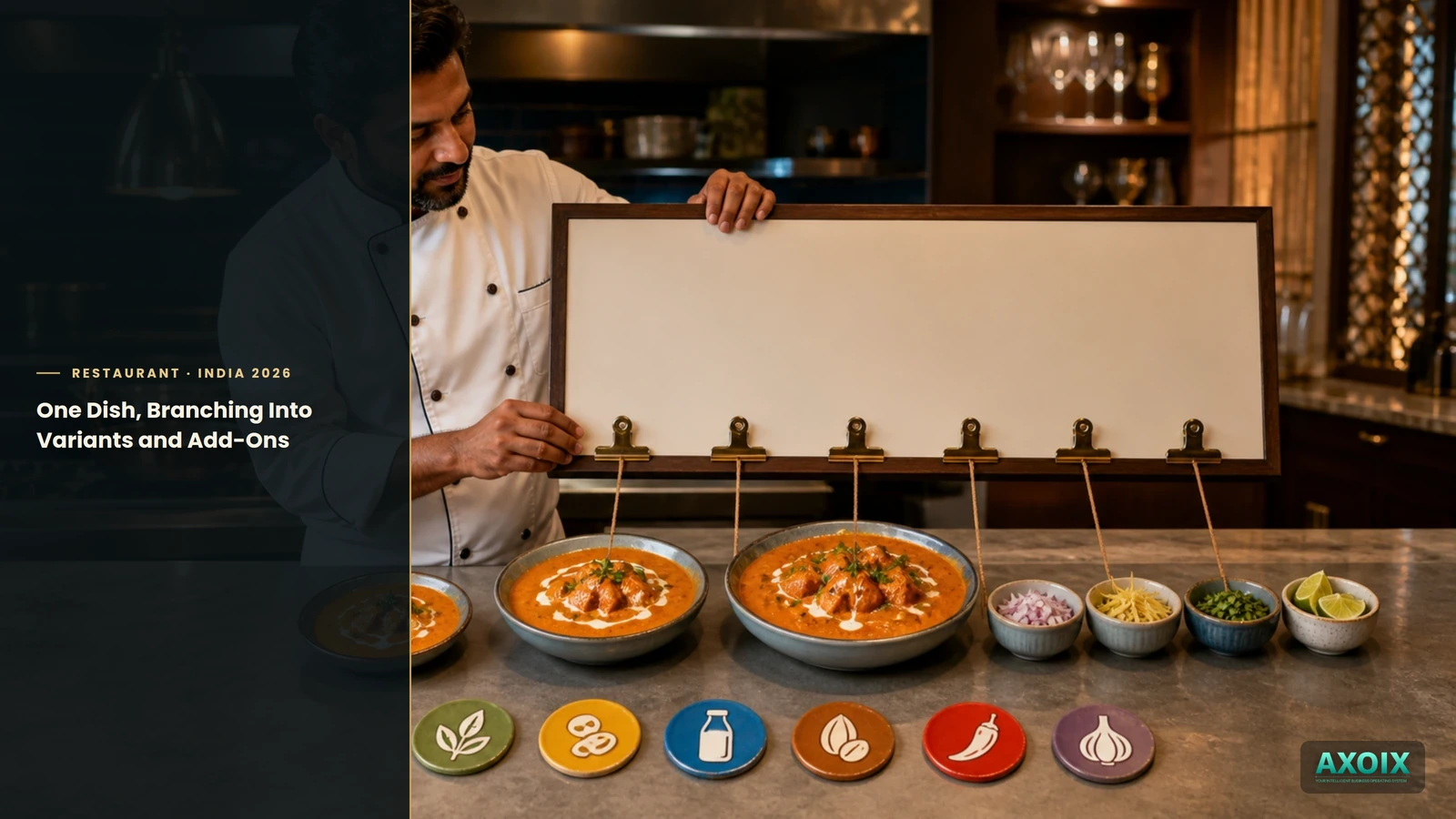
AXOIX's menu items carry variants and add-ons as real structured data — not a note in the description field — plus a full set of dietary flags (vegetarian, vegan, gluten-free, Jain, halal, egg) and spice level, so a diner or a server can filter or ask by exactly what matters to them.
Marking an item unavailable takes one tap
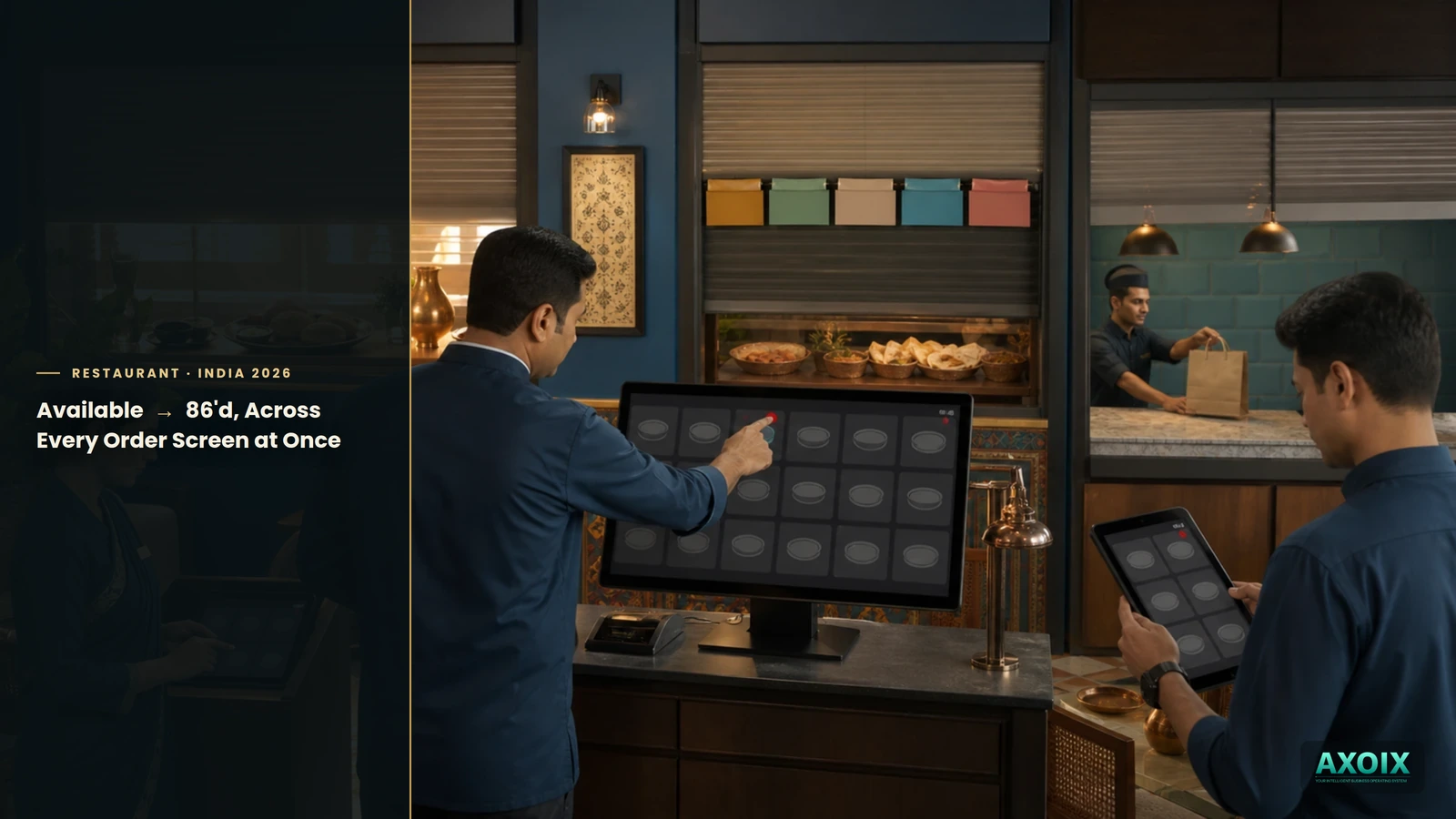
When the kitchen runs out of something mid-service, marking it unavailable is a single, dedicated action — not a workaround using a generic edit form. Once it's flagged, it's flagged everywhere the menu is read from, so nobody keeps trying to order the dish that ran out forty-five minutes ago.
Categories themselves can be scheduled — visible only during certain hours or certain days of the week — so a breakfast section, a lunch thali, or a weekend-only tasting menu shows up exactly when it should, without someone manually toggling it on and off.
Where AXOIX is honest about its limits
- Combo meals are catalog items, not orderable ones — yet. You can build and manage combo deals and daily specials as real objects, but there's currently no way to actually add a combo to an order as a single line item; each component still has to be ordered individually.
- No dedicated menu-photo upload inside the menu builder. Image fields exist and display correctly, but uploading a new photo for a dish isn't a purpose-built flow within this module specifically.
FAQ
Can a dish have different sizes and prices?
Yes — variants are structured data on the item, not a text note.
Can I mark an item Jain or gluten-free?
Yes — a full dietary flag set is built into every menu item.
Can I sell a combo deal as one item?
Not yet — combos exist as a catalog object today, not as something orderable as a single line item.
The bottom line
A menu that's actually run on a system, not just printed on paper, needs to hold everything a real dish carries — its sizes, its add-ons, who can and can't eat it, and whether it's even available right now. Getting that right is what makes "86 the paneer tikka" a one-tap action instead of a shouted warning down the pass.
See the full restaurant system overview, how orders reach the kitchen, or pricing.
Build a menu that holds the whole dish, not just the price. Start free →



Comments