


Monthly reporting has a structural flaw nobody mentions: by the time you see the month, it's over. You learn on the 3rd that occupancy dropped in the month you can no longer do anything about.
Quick answer (for the impatient)
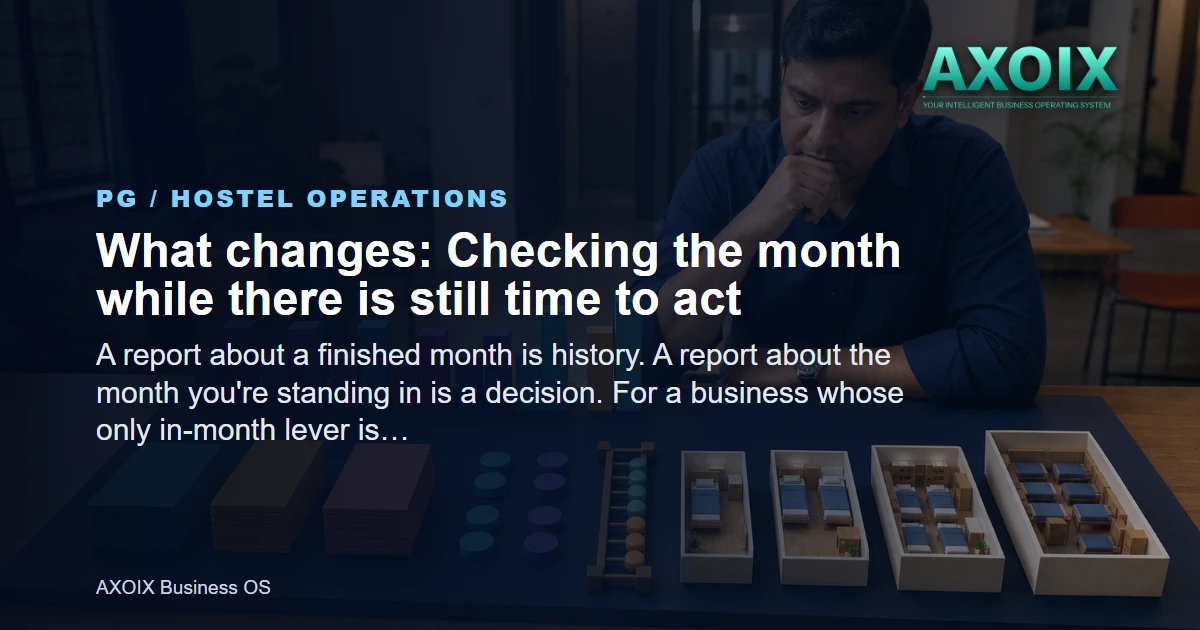
PG analytics can now show the month in progress, week by week — not only completed months.
That converts reporting from a record into a control, because there's still time to act.
Weekly granularity matters in a PG, where move-ins and move-outs cluster around month boundaries.
Why monthly-only reporting fails a PG specifically
A PG's revenue is largely locked at the start of the month — the beds that are occupied are occupied, and the rent is what it is. Which sounds like an argument for monthly reporting, and is actually the opposite. Because revenue is locked, the only lever is filling empty beds during the month, and that requires knowing about them during the month.
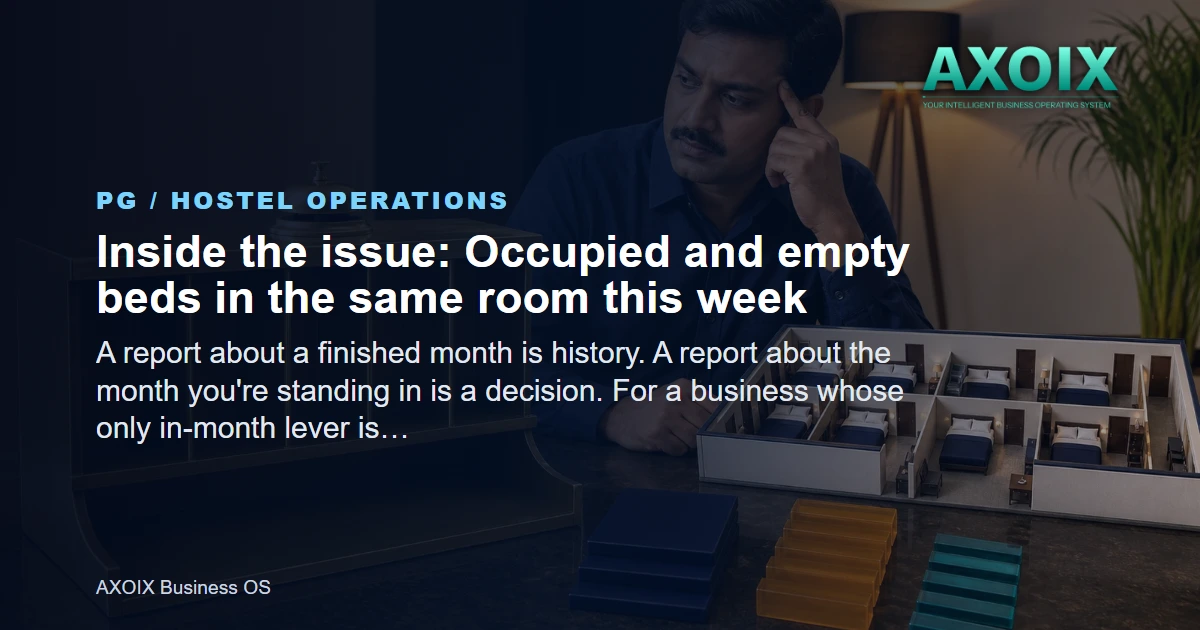
A bed that's empty on the 5th and gets filled on the 12th earns most of the month. The same bed noticed on the 2nd of the following month earns nothing at all. That gap is the entire value of in-month visibility.
What weekly granularity shows that monthly hides
Move-out clustering. PG departures bunch at month end. A monthly figure averages that away; a weekly view shows the cliff.
Collection pace. How much of this month's rent has actually come in by week two is a far better predictor of the month than the final figure is a description of it.
Mid-month vacancy. Beds that emptied on the 8th and are still empty on the 20th — the most recoverable loss in the business.
The effect of something you did. If you dropped a rate or ran a referral push, weekly data tells you whether it worked while the campaign is still running.
What to look at weekly
Four numbers, weekly, is enough:
Beds occupied versus available, right now — not month-average.
Rent collected versus rent billed for the current month.
Notices given — the forward-looking one, telling you what next month looks like before it arrives.
Beds empty for more than a week, which is the actionable list.
The third is the one PG owners most often lack and most need. Notice periods mean you generally know about departures in advance — but only if that information is aggregated rather than sitting in individual tenancy records.
A practical operating workflow for this PG
The useful way to apply Seeing the Month You're In, Not Just the One That Ended is to turn the idea into a repeatable operating rhythm. Start with the current process, not the software screen. Write down who begins the task, what information they need, where the record is kept, who checks an exception, and what the resident is told. That prevents a common PG mistake: digitising an unclear process and discovering that the same argument now happens faster.
Step 1 — establish the starting record. PG analytics can now show the month in progress, week by week — not only completed months. The owner or warden should decide which field, document or confirmation is the source of truth. Existing residents, rooms, balances or requests should be checked before a new workflow is switched on. If the starting record is incomplete, note the gap openly instead of filling it with an assumption.
Step 2 — define responsibility. That converts reporting from a record into a control , because there's still time to act. Name the person who enters the record, the person who can approve a change, and the person who follows up when something is overdue. In a small PG those roles may belong to one person, but writing them down still matters. It stops a cook, caretaker, accountant and owner from each believing that somebody else handled the same exception.
Step 3 — test one real case end to end. Weekly granularity matters in a PG , where move-ins and move-outs cluster around month boundaries. Use one room, one resident or one billing cycle first. Follow the record from the first action to the final acknowledgement. Check the owner view, staff view and resident-facing result separately. A backend record or internal screen is not enough if the person expected to act cannot reach it.
Step 4 — keep an exception path. Decide what happens when information is late, a resident disputes the record, a staff member lacks permission, or the usual approver is absent. Record the reason for any manual correction. Do not quietly overwrite history simply to make a dashboard look tidy.
What the weekly review should cover
Fifteen focused minutes is enough when the team brings the same evidence each week. Review what was completed, what remains open, which cases needed manual intervention, and whether residents received the message or document they were meant to receive. The objective is not a perfect-looking count. It is to find repeated friction while it is still small enough to fix.
Review question Evidence to check Action if it fails
Did the process start with a complete record? The original entry, document or resident confirmation Correct the source and note who verified it
Did the right person act? User, timestamp and permission trail where available Clarify responsibility or access before the next cycle
Did the resident receive a clear outcome? Receipt, message, portal view or signed acknowledgement Send the missing confirmation and repair the template
Did an exception repeat? Open cases and manual corrections from the week Change the process; do not keep relying on memory
For Why monthly-only reporting fails a PG specifically, ask whether staff explain the process consistently. For What weekly granularity shows that monthly hides, compare the operating record with what the resident experienced. For What to look at weekly, look for cases handled outside the agreed path. These checks do not assume an automated report, alert or capability that the article has not established.
A safe rollout checklist
Confirm the property, room and resident scope before changing any record.
Check that only the intended role can create, approve, reverse or view the relevant information.
Run a real test with the people who perform the work, not only an administrator.
Keep the previous record available until the new result has been checked.
Tell residents what changes, what does not, and where they can raise a dispute.
Review the first week and document every manual workaround.
This checklist protects both sides. Residents get a process they can understand and question. Owners get a record that can be checked later instead of an argument reconstructed from memory. It also respects the boundary between guidance and capability: use only screens, permissions and resident surfaces actually reachable in your Hotel/Hospitality tenant.
One more question operators ask
Should we move every existing case into the new process at once?
No. Start with a controlled group or the next clean cycle, reconcile the result, and then expand. A staged rollout is slower for a few days and far safer than correcting every resident record after a rushed migration.
Where AXOIX is honest about its limits
This is reporting, not forecasting. It shows what's happening now; it doesn't project where the month lands.
Accuracy depends on the data being current. Move-outs recorded a week late produce a week of wrong occupancy.
No PG-versus-hotel P&L split. That limitation from the accounting post stands — a mixed property still can't see the two operations separately in the books.
No benchmarking. Nothing compares your occupancy against other PGs; your own trend is the comparison available.
FAQ
Does this replace the monthly report?
No — it sits alongside it. Monthly closes the books; weekly runs the business.
How does this differ from the existing PG analytics?
The earlier reporting covered completed periods. The addition is the current month, broken into weeks, while you can still act on it.
Can I see this per property?
If you run several, review them separately — averaging across properties hides the one that's struggling, which is the one you needed to see.
The bottom line
A report about a finished month is history. A report about the month you're standing in is a decision. For a business whose only in-month lever is filling empty beds, that difference is most of the value of reporting at all.
See occupancy and revenue trends, how reminders drive collection, or pricing.
See the month while you can still change it. Start free →



Comments