

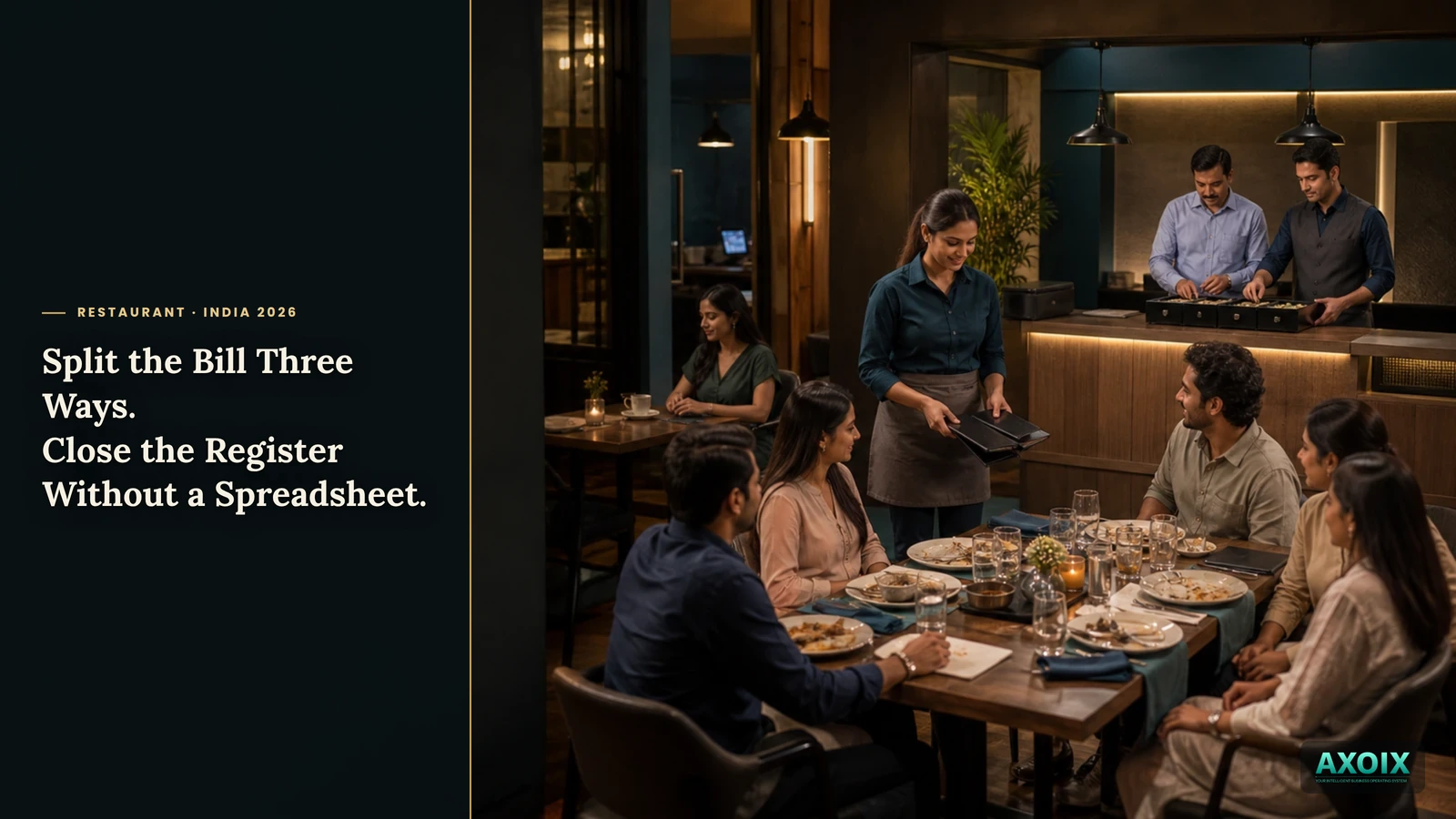
A table of six wants separate checks. One person only had a coffee while everyone else had a full meal. At close of day, someone needs to know if the cash in the drawer actually matches what the system says it should. Here's how both of those get handled without doing the math by hand.
Quick answer (for the impatient)
- A bill can split three real ways — evenly, by specific item, or by custom amount — not just an even divide.
- Closing the day compares actual cash to what the system expected, and flags the difference.
- Payment posts to real accounting — an invoice and a journal entry, not a number that lives only in the POS.
Splitting a bill isn't always division
"Split it evenly" is the easy answer and often the wrong one — the coffee-only guest shouldn't pay a sixth of a bill that includes everyone else's full meal. Doing an accurate item-by-item split by hand, on the spot, at a busy table, is exactly the kind of arithmetic that's easy to get wrong under pressure.
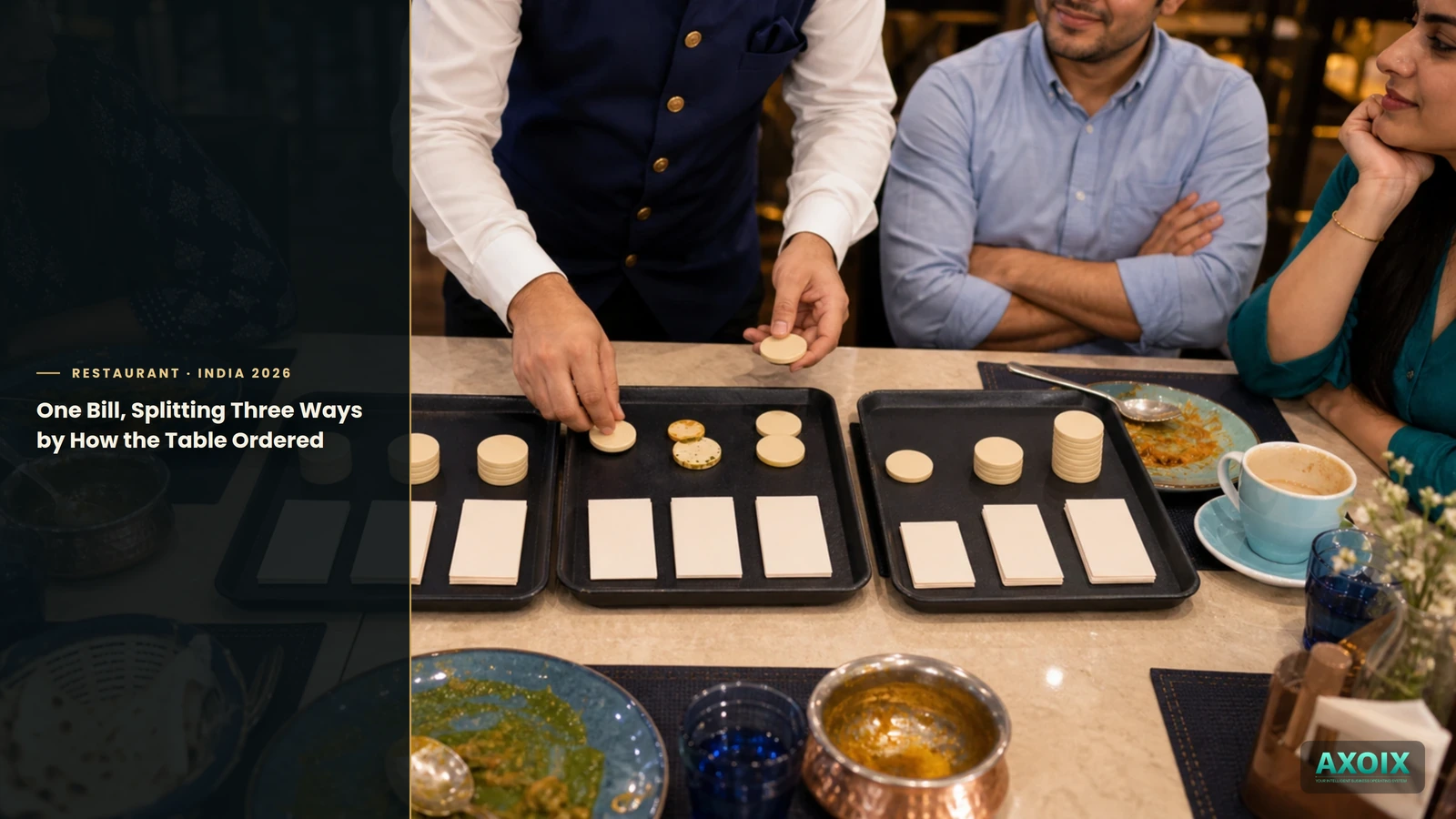
AXOIX computes three real split methods directly against the actual items on the order: an even split, a split by exactly what each person ordered, or a custom split where amounts are set manually — all working from the real bill, not an approximation.
Closing the register without a spreadsheet
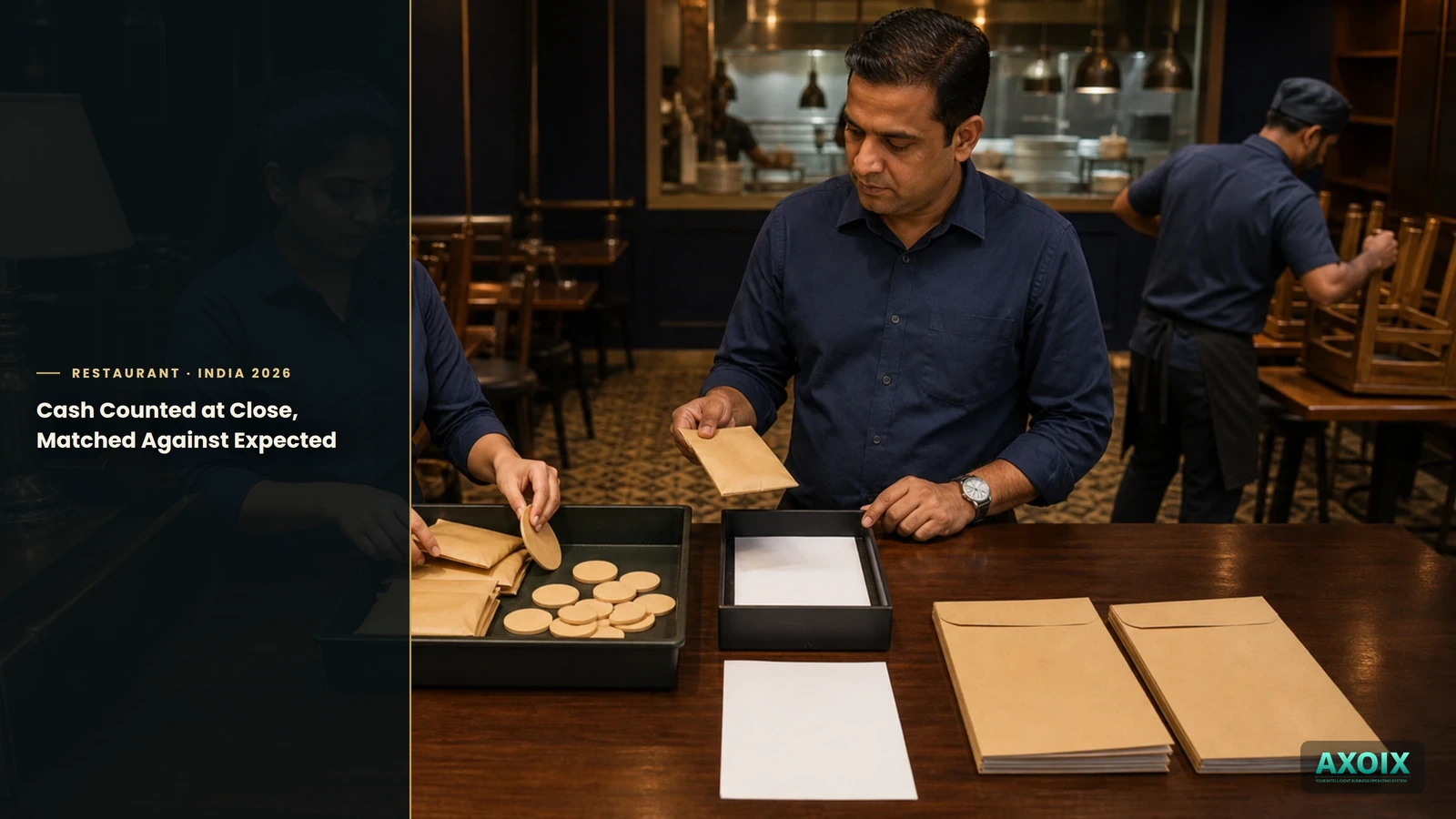
At the end of the day, AXOIX totals what was actually collected by payment method from the day's orders, and compares it against a physical cash count entered at close. A match gets flagged as fine; a mismatch gets flagged by how far off it is, so a small rounding difference and a genuinely concerning gap don't look the same on the close-out summary. The same summary also surfaces how many orders were voided and how much was comped that day, as reporting context.
Every payment behind that number posts to real double-entry accounting — an invoice and a journal entry, generated automatically — so the day's sales are already in the books, not a POS total someone re-enters later.
Where AXOIX is honest about its limits
- No tips or gratuity handling. There's no field for it anywhere in the system today — if you collect tips, that's tracked outside AXOIX.
- Void and comp appear in reporting, but there's no confirmed way to perform one through the app itself. The day-close summary can show voided/comped totals, but actually flagging an item as voided or complimentary isn't something this audit found a working in-app action for.
- GST is applied at a flat rate, not calculated per your outlet's actual configuration — verify your restaurant's GST treatment with your CA rather than assuming the software has made that judgment call.
FAQ
Can a table split their bill by what they individually ordered?
Yes — split-by-item is a real, computed option, not just an even divide.
Does day-close tell me if my cash drawer is short?
Yes — it compares your physical count to what the system expected and flags the variance.
Does a payment automatically post to my accounting books?
Yes — every payment generates a real invoice and journal entry.
The bottom line
A bill that splits fairly and a close-out that tells you the truth about the drawer are small things individually, but they're the two moments in a day where restaurant math actually has to be right in front of a customer or at the end of a long shift. Getting both from the same system that took the order in the first place means neither one is a separate spreadsheet exercise.
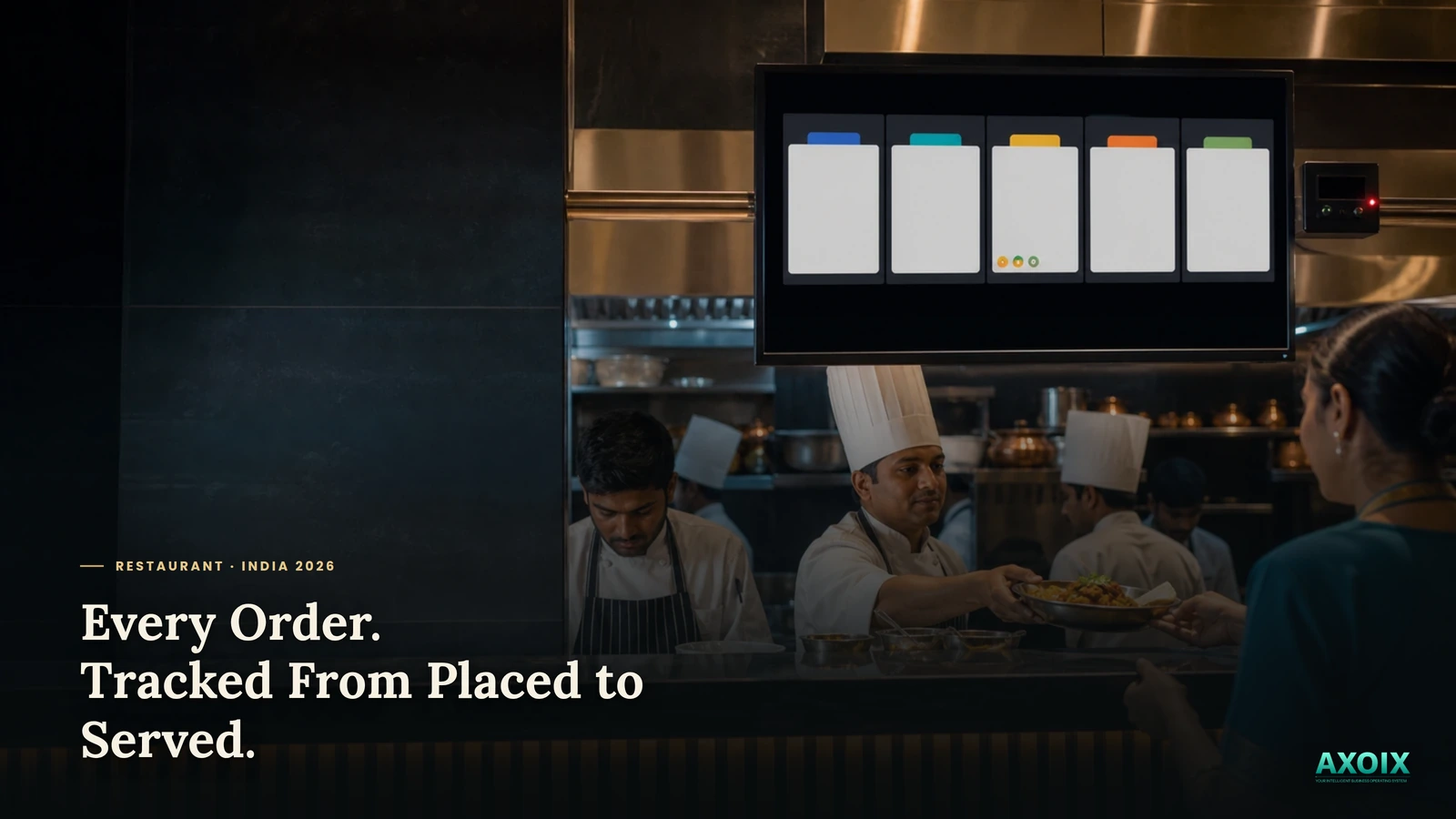
See how orders move through the kitchen, the full restaurant system overview, or pricing.
Split bills fairly and close the day with confidence. Start free →


Comments