

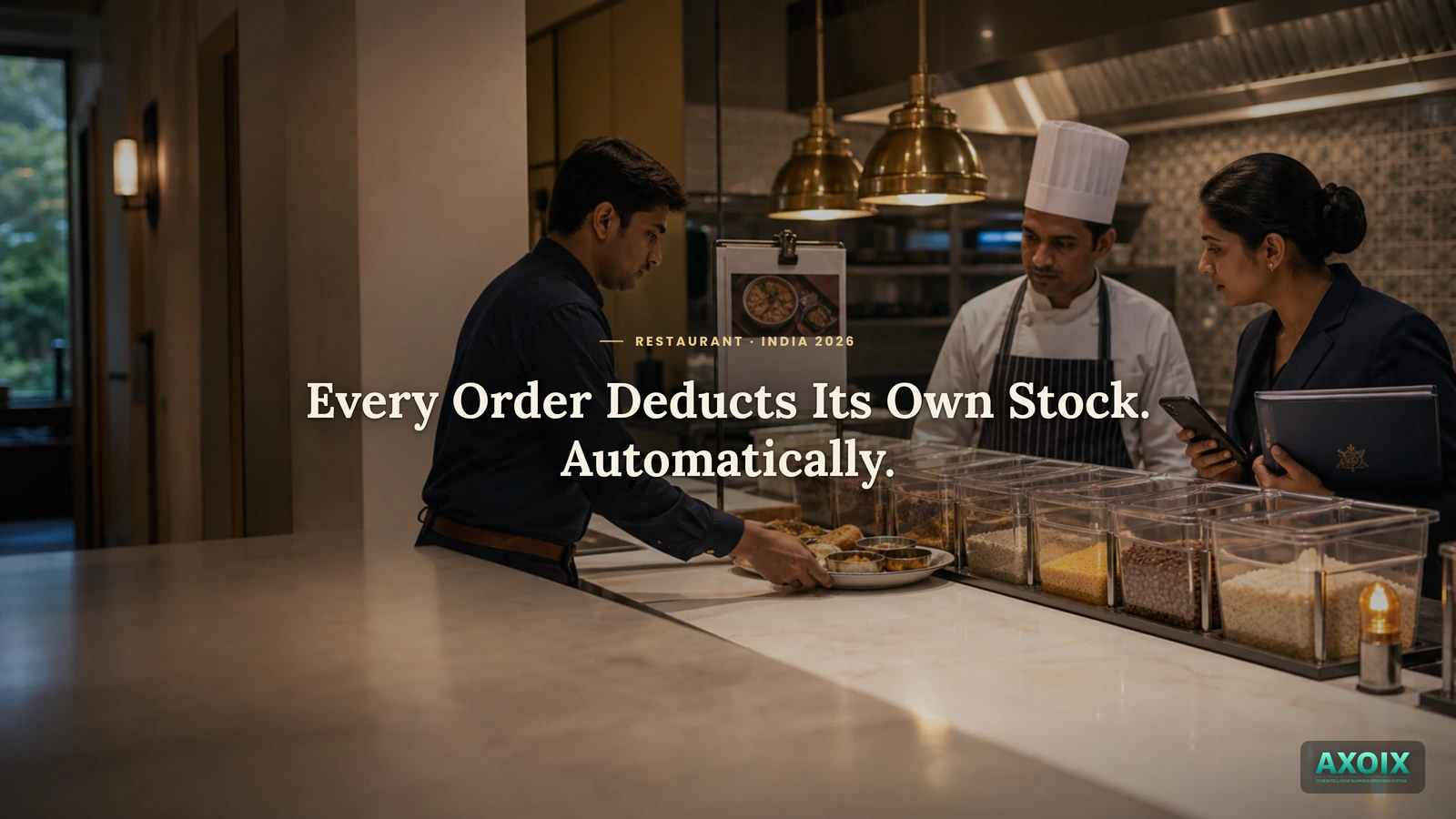
Ask a kitchen how much paneer is left, and the honest answer usually requires walking to the storeroom and looking. Stock in most restaurants exists in the system only as of the last time someone counted it — every order since then is a guess. Here's what changes when the order itself does the counting.
Quick answer (for the impatient)
- Completing an order automatically deducts the right ingredients from stock — no manual recount needed.
- Every deduction is logged, so stock changes are traceable, not silent.
- Running low triggers an alert to the right people automatically — before the ingredient actually runs out.
Counting stock by walking the storeroom
Without automatic deduction, the system's idea of "how much paneer is left" is frozen at whenever someone last counted it — every order sold since then has quietly consumed real stock the system doesn't know about. The gap between what the system says and what's actually on the shelf only gets discovered the hard way: mid-service, when someone goes to grab an ingredient that isn't there.
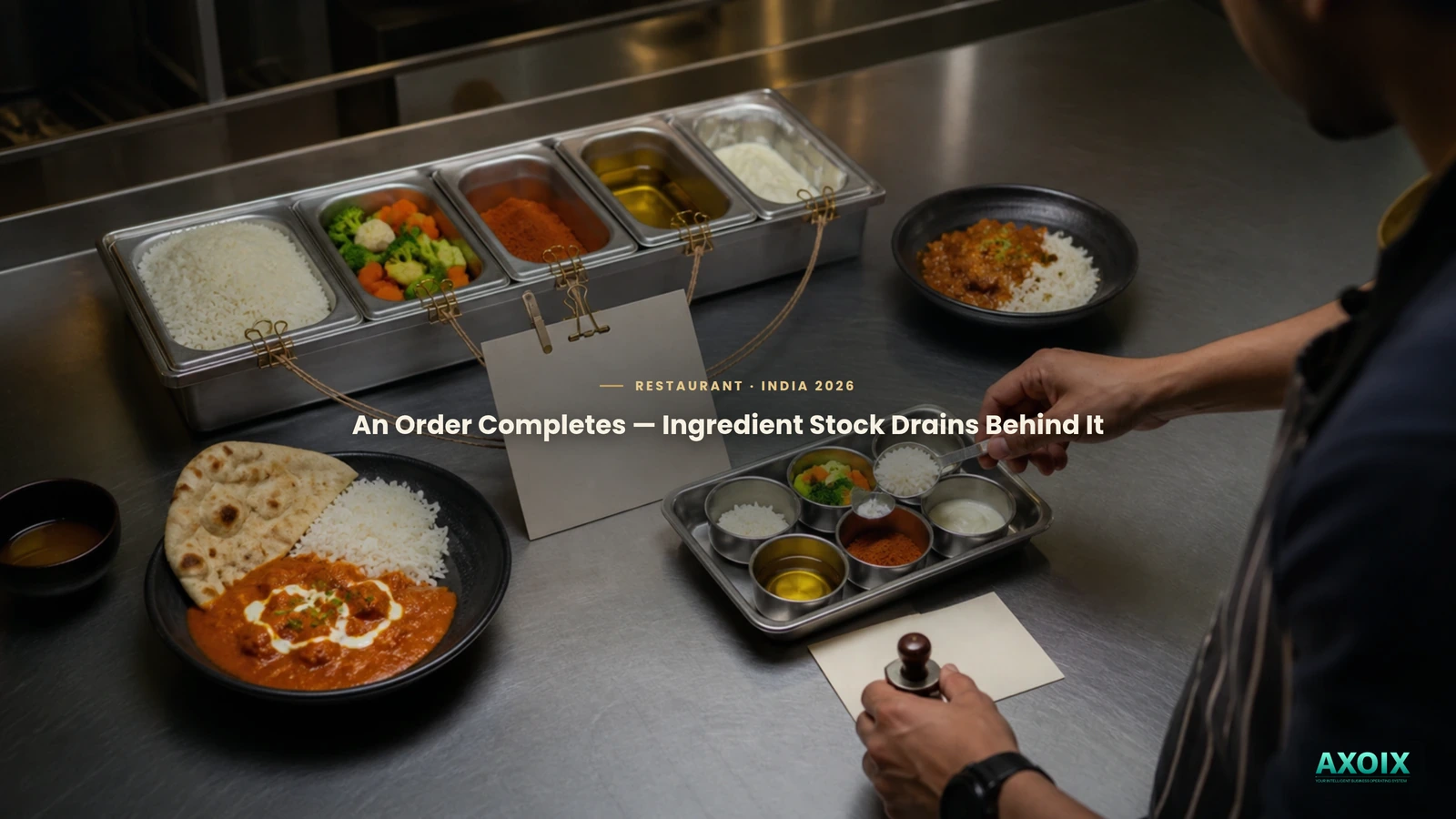
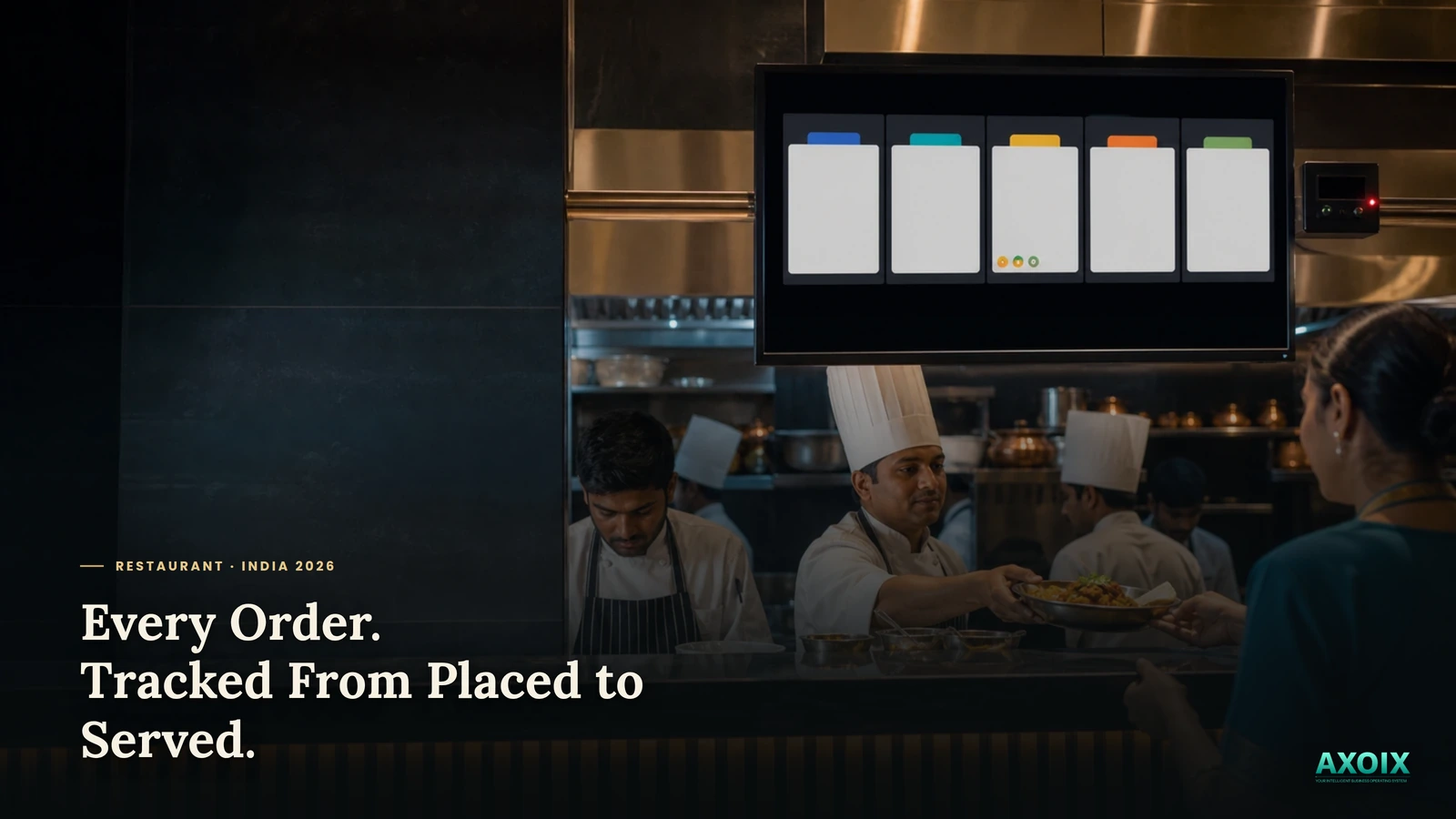
AXOIX closes that gap by tying stock directly to the order: when an order for a dish with a recipe attached completes, the exact ingredient quantities that recipe calls for are deducted from stock automatically — no separate recount step, and no lag between a dish selling and the stock reflecting it.
Getting told before you run out
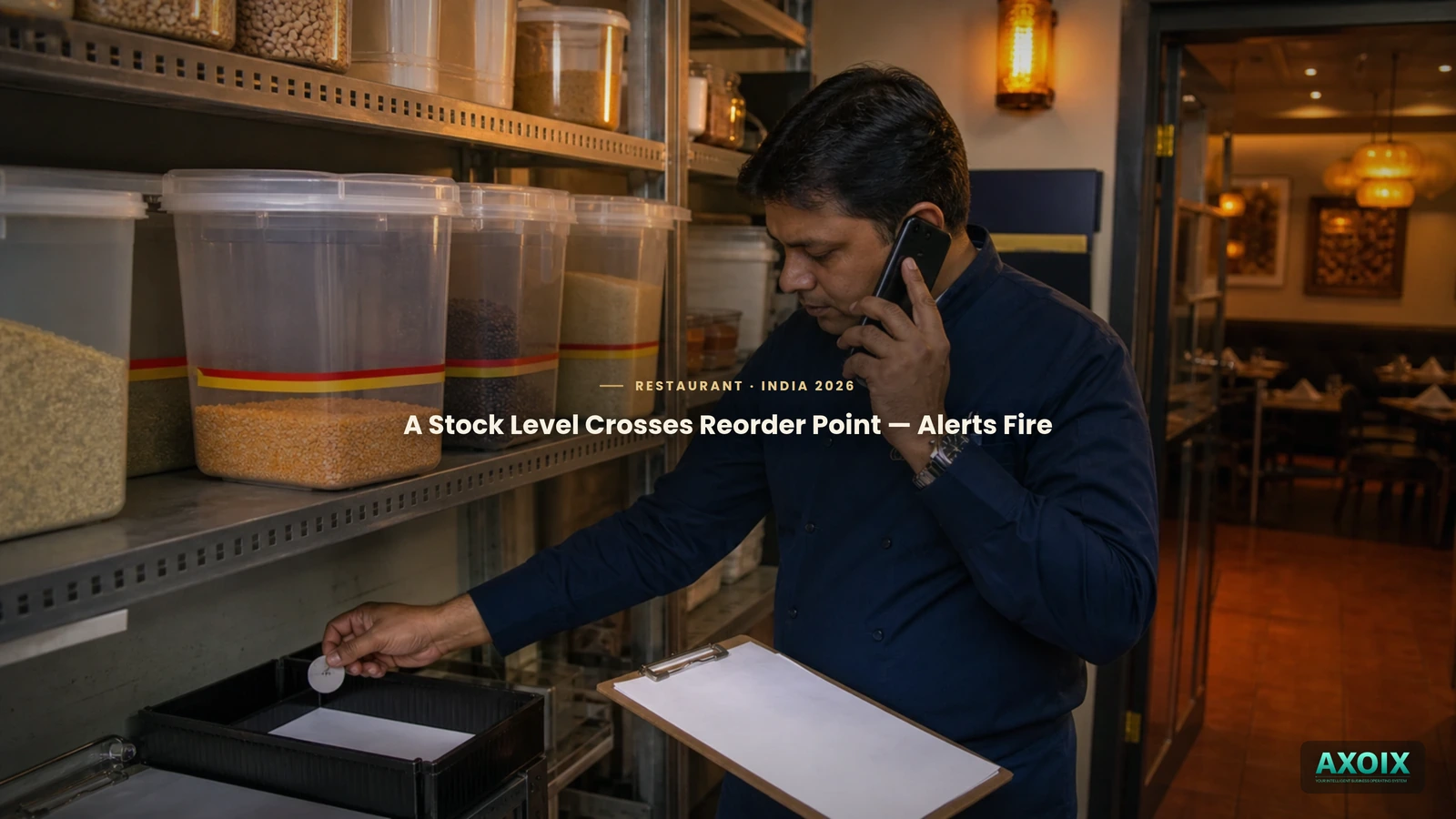
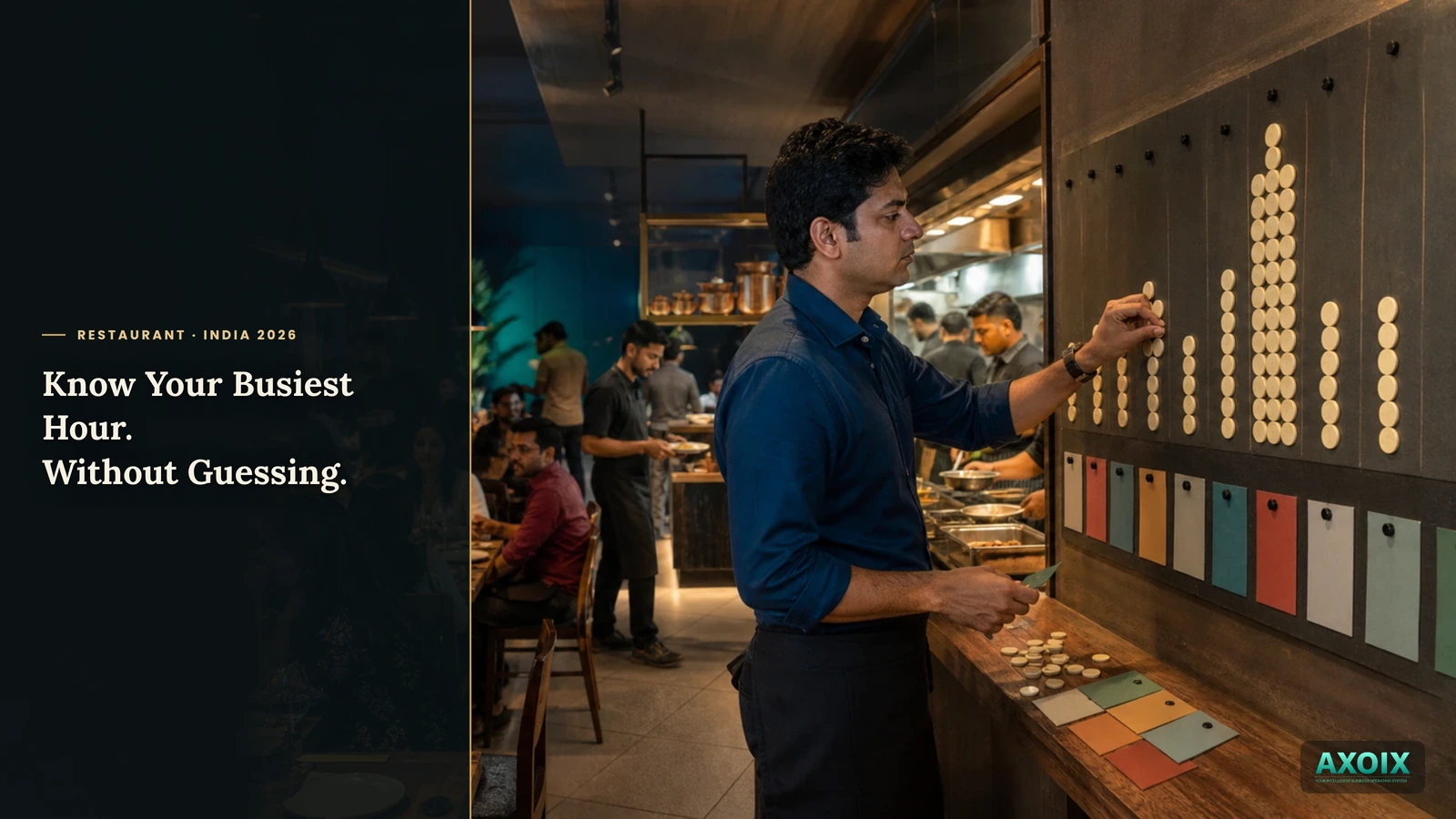
Every deduction leaves a record — a real, traceable movement entry, not a silent number change — and the same event checks the ingredient's new stock level against its reorder point. Cross that line, and the right people (admins, managers) get notified automatically, with a direct link to the inventory page. The alert fires from the actual selling of dishes, not from someone remembering to check a shelf.
Where AXOIX is honest about its limits
- Only items with a recipe attached trigger deduction. A menu item with no recipe linked doesn't affect stock at all when it sells — the automation only works as far as your recipes are actually built out.
- An alert notifies a person; it doesn't reorder anything. There's no automatic purchase-order generation when stock runs low — someone still places the order.
FAQ
Does completing an order automatically update ingredient stock?
Yes — for any item with a recipe attached, the exact quantities are deducted automatically.
Do I get notified when something's running low?
Yes — crossing the reorder point triggers an automatic notification to admins/managers.
Does low stock automatically create a supplier order?
No — it alerts a person; placing the actual order is still a manual step.
The bottom line
Stock that only updates when someone counts it is always slightly wrong. Stock that updates the moment a dish sells stays honest — and an alert that fires from real selling activity, not a scheduled walk-through, is the difference between finding out you're low and finding out you're out.
See how recipes and ingredient costing work, the full restaurant system overview, or pricing.
Let every order keep your stock count honest. Start free →
Comments